
Lesson Schedule
Official App Homepage
Official App Homepage
Keep track of your classes, assignments, and exams with our intuitive lesson scheduling app designed for students.
Our app comes packed with features designed to enhance your study experience
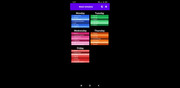
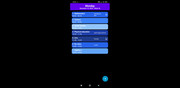
Create and manage weekly lesson schedules for Monday through Friday with custom lesson names, times, and colors.
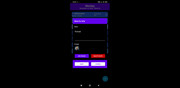
Add detailed notes for each lesson and attach images directly from your gallery with full-screen viewing.
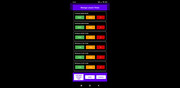
Set custom reminders for lessons, assignments, and exams with flexible date and time options.
Available in English, Lithuanian, and Spanish to accommodate users from different regions.
Securely backup your schedule data to Google Drive and restore it when needed.
Automatically fills free lesson slots between your regular classes for a complete schedule.
Take a look at the beautiful and functional interface of our application

We believe in transparency about how your data is used in our application.
All data processing happens either locally on your device or through secure Google APIs when using backup features. You have full control over your data and can delete it at any time through the app settings.